
A proxy server acts as a digital detour, masking your IP address and routing your internet traffic through a different location. This clever trick allows you to bypass those pesky geo-restrictions and access games you might otherwise miss out on. You’ll typically need the proxy server’s IP address and port number to plug into your device’s or browser’s network settings. It’s like having a backstage pass to the entire gaming world.
How to Set Up and Use a Proxy Server for Unblocked Games
Getting a proxy server up and running for gaming is simpler than you might think, and it can unlock a treasure trove of games that were previously out of reach. The quickest route usually involves diving into your operating system’s network settings or your web browser’s specific proxy configuration panel. You’ll need the IP address and port number of the proxy server you’ve chosen, and sometimes, a username and password.
> The quickest way to use a proxy for unblocked games involves navigating to your operating system’s network settings or your web browser’s proxy configuration panel. You’ll need the IP address and port number of your chosen proxy server, and potentially a username and password.
On Windows, you’ll head to Settings > Network & Internet > Proxy. From there, you can flip the switch to “Use a proxy server” and then enter the address and port. For macOS users, it’s System Preferences > Network > Select your active network connection > Advanced > Proxies. Here, you’ll pick the right protocol (HTTP, HTTPS, SOCKS) and punch in the server details.
Many gamers also prefer setting up proxies directly within their web browsers, especially for browser-based games or launchers accessed through a web interface. In Firefox, for example, you can go to Options > General > Network Settings > Settings. This lets you manually configure the proxy just for your browsing activities, which can then be used to access those region-locked game portals or download clients. A common mistake is grabbing any free proxy you find without checking its legitimacy; this often leads to sluggish speeds, security headaches, or just plain non-functionality, rendering your efforts to play games like Valorant or Genshin Impact totally useless. Always give your proxy connection a quick test after setup to make sure it’s actually working.
Understanding Proxy Servers: What They Are and How They Work for Gamers
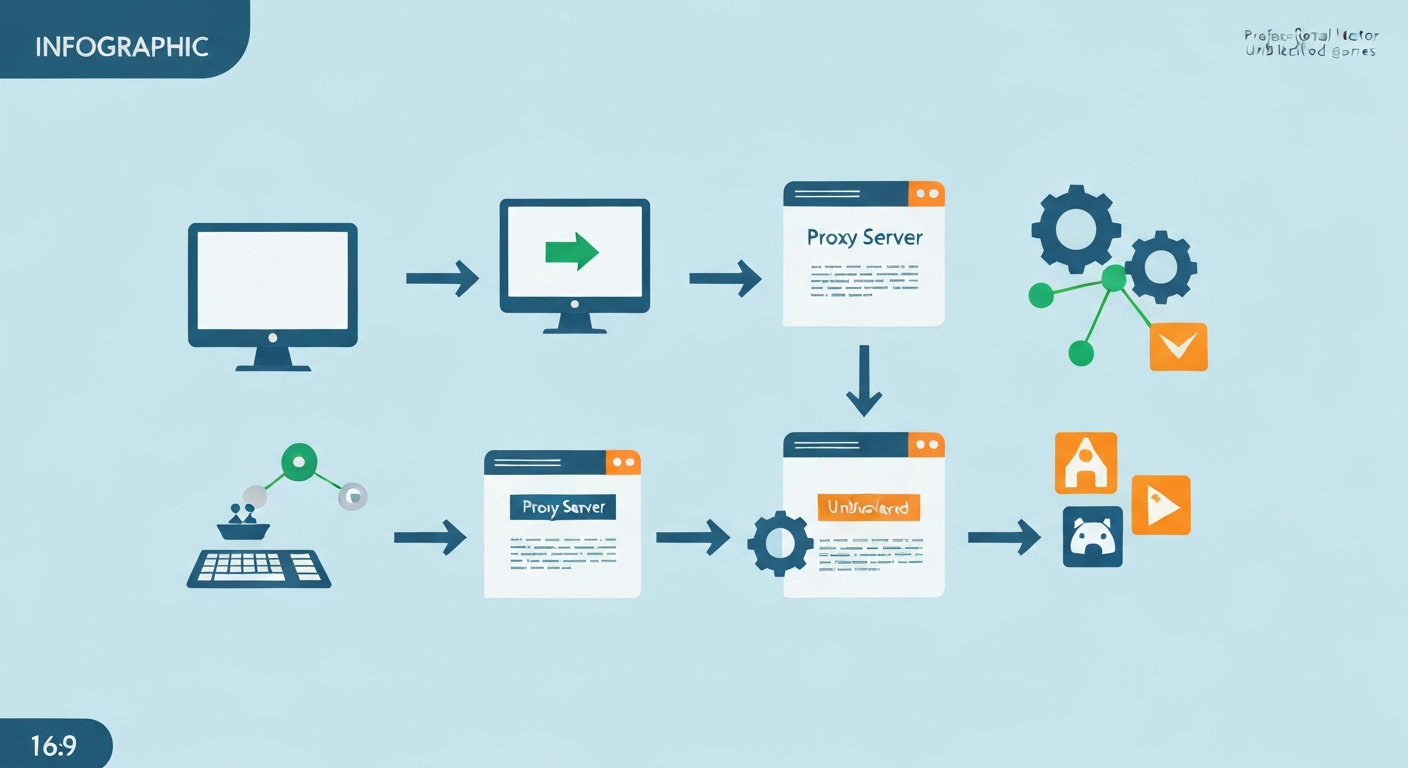
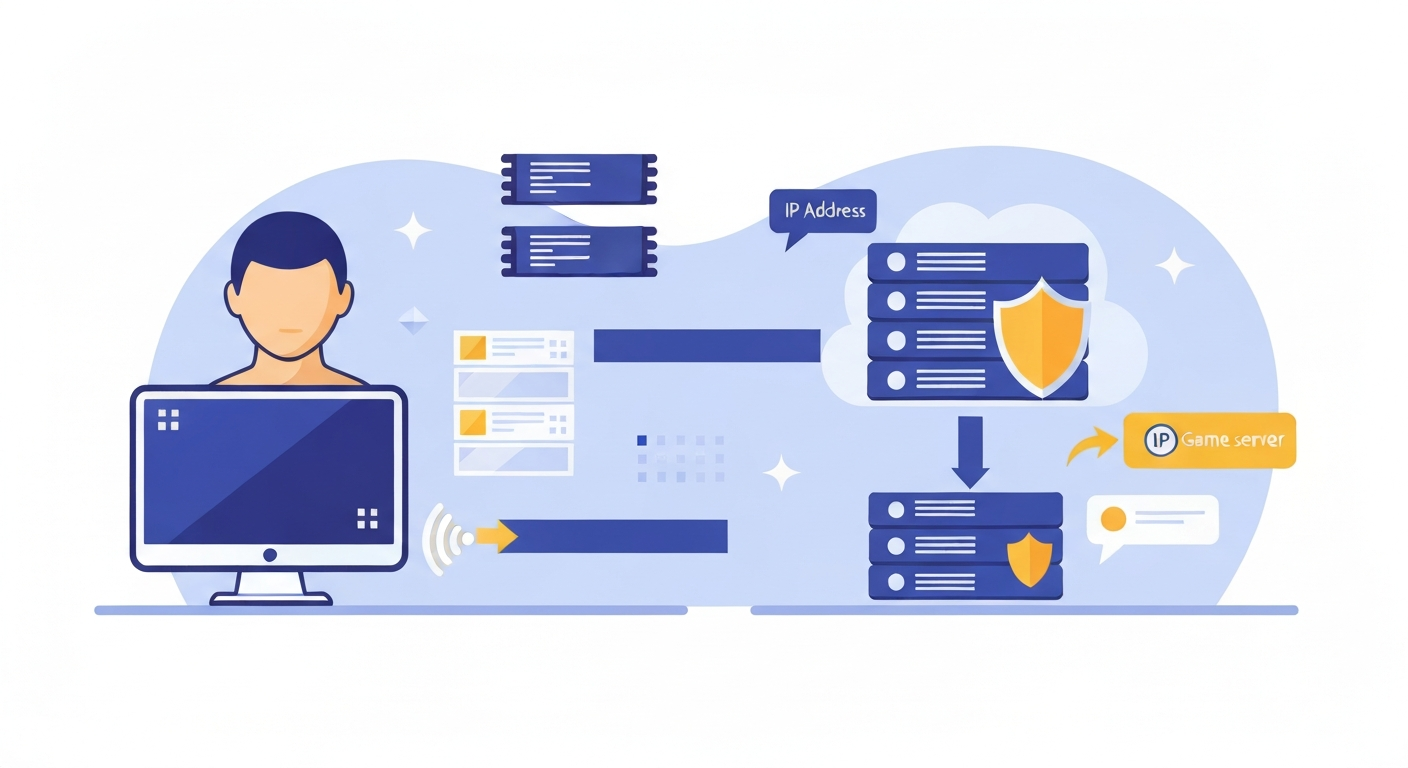
At its heart, a proxy server is just another computer acting as a go-between for your internet requests. Think of it as a digital intermediary, sitting between your device and the game server you’re trying to reach. Instead of your request shooting straight from your machine to the internet, it first makes a pit stop at the proxy server, which then sends it on your behalf.
> A proxy server acts as a gateway between your device and the internet, forwarding your game requests through its own IP address. This process masks your local IP address, allowing you to bypass geographical restrictions and access online games that might otherwise be blocked in your region.
This middleman role is absolutely key for gamers trying to get around geographical restrictions and censorship. Lots of online games come with region locks, usually due to licensing deals, publisher decisions, or simply because servers aren’t available everywhere. When you try to jump onto a game server from a country where it’s not officially supported, your connection usually gets shut down because the server sees your IP address and flags it as coming from an unauthorized place. A proxy server sidesteps this by giving you an IP address from a different country, making it seem like you’re browsing from that exact spot.
What about firewalls? Proxy servers can often help you sneak past them too. If your school, workplace, or even your home network has firewalls that block gaming sites or specific game servers, a proxy can usually reroute your traffic around these blocks. The firewall just sees the connection heading to the proxy server, which probably isn’t on its forbidden list, and lets it pass. This is a real lifesaver for getting into titles like Roblox or League of Legends when network admins have put up walls. Understanding how IP address masking works is pretty fundamental to grasping how powerful proxies can be for unlocking your online gaming potential. If you want to dig deeper into how these restrictions actually function, checking out information on [LINK:understanding-geo-blocking-and-internet-censorship-for-gamers] could be really helpful.
Best Proxy Types for Gaming: HTTP, HTTPS, and SOCKS Explained
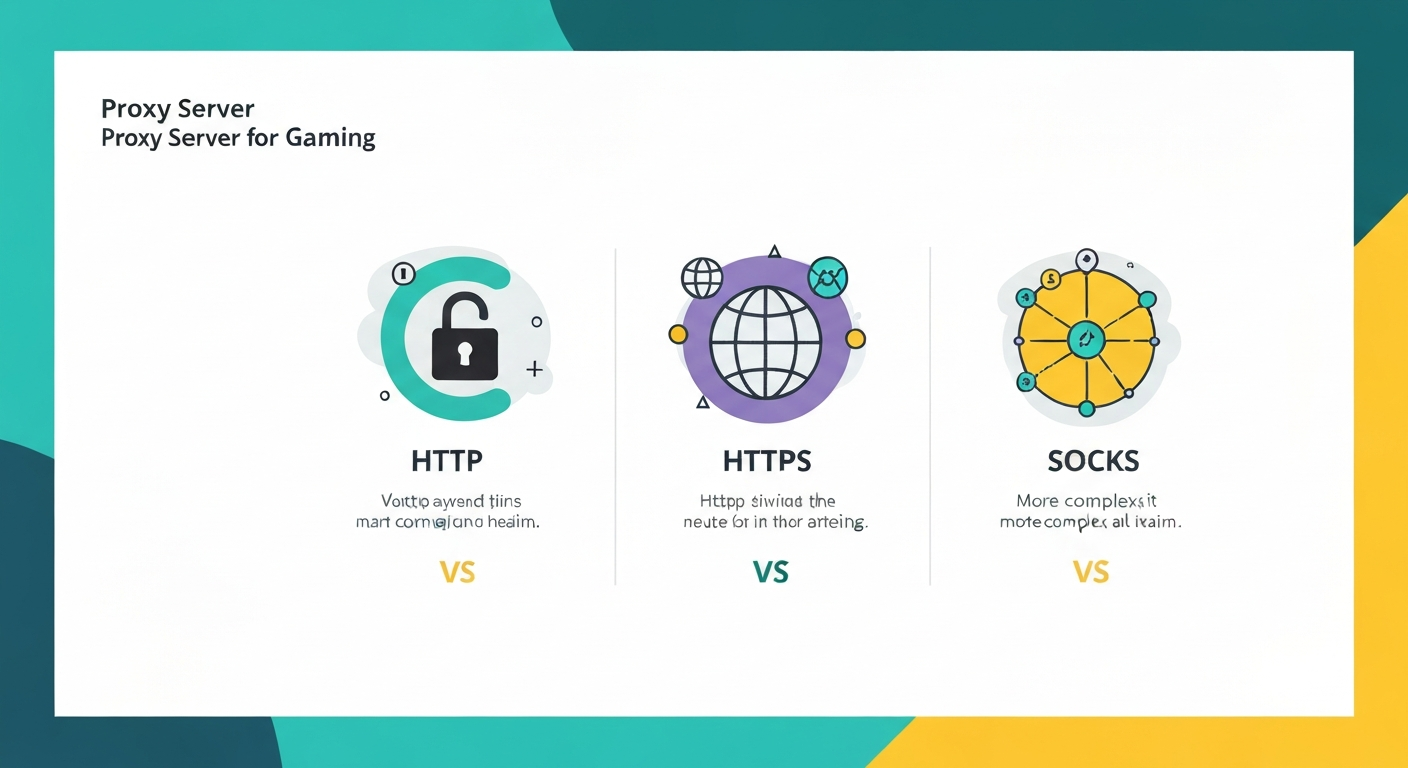
When you’re picking a proxy server for gaming, it’s important to know that they aren’t all created equal. The three most common types you’ll bump into are HTTP, HTTPS, and SOCKS. Each has its own upsides and downsides, especially when it comes to the demands of online gaming.
> While HTTP and HTTPS proxies work well for general web browsing, SOCKS5 proxies are often the best choice for gaming. They offer greater flexibility, can handle different types of network traffic (including encrypted data), and generally provide better performance for real-time game connections.
HTTP proxies are the most basic and widely used. They’re built to handle web traffic (HTTP and HTTPS) and do a decent job of letting you access websites or browser-based games. However, they’re not exactly ideal for gaming because they only understand web traffic. Plus, they don’t offer encryption by default, which means your data could be exposed.
HTTPS proxies are like an upgraded version of HTTP proxies, adding an extra layer of encryption. This makes them more secure than standard HTTP proxies, as your traffic gets scrambled between your device and the proxy server. It’s an improvement, but they still mainly deal with web traffic and might not be the snappiest option for all your gaming needs.
SOCKS proxies, and SOCKS5 in particular, are usually the go-to choice for gamers. SOCKS (Socket Secure) proxies are more adaptable because they can handle all sorts of internet traffic, not just web browsing. This includes game data, peer-to-peer connections, and other protocols. SOCKS5 proxies, specifically, bring features like authentication, UDP support (which is crucial for many real-time games), and a general speed boost. I’ve personally found that using a SOCKS5 proxy significantly cuts down on latency and packet loss compared to HTTP proxies, leading to a much smoother experience in games like Counter-Strike: Global Offensive or Fortnite. Some estimates even suggest SOCKS5 proxies can offer up to a 20% performance bump for gaming thanks to their efficient handling of UDP traffic. When you’re looking for a proxy, always keep an eye out for SOCKS5 if gaming is your main goal.
Finding Reliable and Fast Proxy Servers for Unblocked Gaming
How well your proxy server works for gaming really comes down to finding one that’s both reliable and fast. This is where a lot of people hit a wall, especially when they’re tempted by free options. While free proxies might sound great, they often come with big downsides that can totally tank your gaming experience.
> Finding a fast and reliable proxy for gaming requires testing. Look for servers with low latency and high bandwidth. While free proxies exist, paid services or specialized residential proxies often offer better performance and security, crucial for a smooth gaming experience.
Free proxy servers are frequently packed with too many users, aren’t maintained well, and are just plain slow. They might offer terrible connection speeds, sky-high ping times, and constant disconnections, making any kind of real-time gameplay a non-starter. Even more worrying are the security risks. Many free proxies track your data, serve up sketchy ads, or even hide malware, putting your internet privacy and security at risk. I’ve run into free proxies so slow that my game would time out before I could even get to the server.
On the flip side, paid proxy services usually give you dedicated bandwidth, faster speeds, and much better reliability. They often provide a selection of server locations, letting you pick one that’s geographically close to you or the game server for the best possible performance. For the absolute best experience, though, you might want to look into residential proxies. These use IP addresses that are assigned to actual homes by Internet Service Providers (ISPs), making them look like legitimate users and much less likely to be flagged or blocked by game servers. They’re pricier, sure, but they offer superior speed, anonymity, and a lower chance of being detected. When you’re testing proxies, look for tools that can measure latency (ping) and bandwidth. A good gaming proxy should ideally have a ping under 100ms to the game server and enough bandwidth to keep things running smoothly.
Proxy Server Benefits for Gaming Beyond Unblocking
Sure, the main reason people turn to proxy servers for gaming is to bypass geo-restrictions and get into those blocked games. But honestly, the benefits go even further. For gamers looking to level up their online experience, proxies can actually help with privacy, security, and even connection stability.
> Beyond unblocking games, proxy servers offer enhanced online privacy by masking your IP address, making your online activities harder to track. In some cases, they can also help circumvent ISP throttling specifically targeting gaming traffic, potentially leading to a more stable connection.
One of the biggest perks is boosted privacy. Every device connected to the internet has a unique IP address, which can reveal your general location and be used to track what you do online. By routing your connection through a proxy server, your real IP address stays hidden from the websites and game servers you’re interacting with. Instead, they just see the proxy’s IP. This masking makes it way harder for anyone to snoop on your gaming habits or tie your online actions back to you.
Plus, in some situations, a proxy server can help tackle issues with Internet Service Provider (ISP) throttling. Some ISPs might deliberately slow down internet speeds for activities they consider to be heavy on bandwidth, like online gaming or streaming. By using a proxy, your gaming traffic gets wrapped up inside the proxy’s connection, making it trickier for your ISP to spot and specifically throttle. While this isn’t a magic bullet for every throttling problem, it can sometimes lead to a more stable and consistent connection, which is absolutely vital for competitive gaming. If you’re at all concerned about your digital footprint, understanding how IP address masking contributes to anonymity is key. The general idea here is that your direct connection is obscured, giving you more freedom and potentially better performance.
VPN vs. Proxy Server for Gaming: Which is Right for You?
When you’re thinking about ways to get around restrictions and improve your online gaming, both VPNs and proxy servers often pop up. They do have some things in common, especially their ability to mask your IP address and reroute traffic, but they’re quite different in how they function, their security features, and how well they suit gaming.
> While both VPNs and proxies can bypass geo-restrictions, VPNs offer stronger encryption and overall security by routing all your device’s traffic through a secure tunnel. Proxies typically handle only specific application traffic and may lack robust encryption, making them simpler but less secure for sensitive gaming.
The main difference lies in how they handle your internet traffic and the level of security they offer. A proxy server usually works on an application level. This means you set it up for a specific app, like a web browser or a game launcher, and only the traffic from that app goes through the proxy. A lot of proxies, especially the free ones, provide little to no encryption, leaving your data vulnerable.
A Virtual Private Network (VPN), on the other hand, operates at the operating system level. When you connect to a VPN, it creates an encrypted tunnel for all your device’s internet traffic. This means every single app you use – your browser, your games, your chat clients – is routed through the VPN server with strong encryption. This gives you a much higher level of security and privacy.
Here’s a quick rundown:
| Feature | Proxy Server | VPN (Virtual Private Network) |
|---|---|---|
| Traffic Handling | Application-specific | System-wide |
| Encryption | Often minimal or none | Strong encryption (e.g., AES-256) |
| Security | Generally lower, especially with free proxies | High, due to encryption and secure protocols |
| Speed | Can be fast, but varies greatly; potential bottleneck | Can introduce overhead, but good providers are fast |
| Setup | Usually simpler for specific apps | System-wide setup, sometimes requires software install |
| Cost | Many free options (risky), paid options available | Mostly paid services, free options are limited/risky |
For gaming, a VPN is often the better bet if your top priority is robust security and comprehensive protection. However, if you just need to bypass a simple geo-restriction for a browser game or a specific app and aren’t too worried about deep encryption, a proxy might do the trick and potentially offer slightly better performance due to less overhead. The choice really boils down to whether you need security or simplicity more.
Troubleshooting Common Proxy Connection Issues for Games
Even with the best setup and the right settings, you might hit some bumps when trying to use a proxy server for gaming. Slow speeds, dropped connections, or game servers spotting your proxy are common frustrations. Luckily, most of these issues have practical fixes.
> Common proxy issues in gaming include slow performance, connection timeouts, and detection by game servers. Solutions involve trying different proxy servers, ensuring you’re using the correct proxy type (like SOCKS5), checking your firewall settings, and verifying the proxy’s IP and port details.
One of the most common complaints is sluggish performance. If your game is lagging or has a high ping, the proxy server itself might be overloaded or just too far away. Try picking a proxy server that’s closer to where you are or to the game’s server. If you’re currently using a free proxy, consider switching to a well-regarded paid service that offers better bandwidth and lower latency.
Connection timeouts often happen because of an unstable proxy or network problems. Double-check that you’ve entered the proxy IP address and port number correctly in your settings. Also, make sure your firewall isn’t getting in the way and blocking the proxy connection. Sometimes, game servers are built to detect and block proxy usage to stop cheating or abuse. If you suspect this is the case, try a different proxy server – ideally, a residential proxy, as those are much harder for game servers to identify as proxies. For a deeper dive into solving connection errors, looking up a dedicated guide on [LINK:troubleshooting-proxy-connection-errors-for-games] can offer more detailed solutions. Regularly checking the proxy server’s status or using online tools to test its speed and uptime can help you figure out if the problem is with the proxy itself.
Security Risks and How to Stay Safe When Using Proxy Servers for Games
While proxy servers can be super useful for getting into unblocked games, they also come with security risks, especially if you’re using free or untrusted services. It’s really important to understand these dangers and take steps to protect yourself.
> Using untrusted proxy servers can expose you to significant security risks, including malware infection and data theft. Always check a proxy server’s reputation and terms of service before using it for sensitive activities like gaming. Opt for reputable providers and be cautious with free services.
Free proxy servers are often breeding grounds for shady activities. They might record your internet traffic, including login details, personal information, and financial data, and then sell it to third parties. Some free proxies can also inject annoying ads into your browsing or gaming sessions, or worse, contain malware that could infect your device. I’ve personally seen situations where a “free” proxy led to unexpected pop-ups and system slowdowns, which is a pretty clear sign that something fishy is going on.
To stay safe, always put reputable proxy providers first. Paid services usually have better security measures and clearer privacy policies. If you absolutely have to use a free proxy, do your homework. Look for reviews, check the provider’s reputation, and be super wary of proxies that ask for a lot of personal information. Make sure your device has up-to-date antivirus and anti-malware software. When using a proxy for anything sensitive, like logging into accounts or making in-game purchases, always make sure the connection is encrypted (like using HTTPS in your browser or a SOCKS5 proxy with authentication). Understanding your internet privacy and security is crucial.
Configuring Proxy Settings in Popular Browsers for Game Access
For many online games, especially those played right in a web browser or accessed via an online launcher, setting up proxy settings within your browser is a direct path to unblocking content. This method is pretty straightforward and lets you bypass network restrictions or geo-blocks for specific browsing sessions.
> To configure proxy settings in Google Chrome, navigate to Settings > Advanced > System > Open your computer’s proxy settings. Here, you can manually enter the IP address and port of your proxy server for browser-based game access.
In Google Chrome, proxy settings are usually managed through your operating system’s network settings. You can get there by going to Chrome’s Settings, scrolling down to “Advanced,” and then under “System,” clicking “Open your computer’s proxy settings.” On Windows, this brings up that familiar proxy configuration window where you can toggle “Use a proxy server” and then input the IP address and port.
For Mozilla Firefox, the process is built right into the browser. Go to Options (or Preferences), then find the “General” tab. Scroll down to the “Network Settings” section and click the “Settings…” button. Here, you can select “Manual proxy configuration” and enter the details for HTTP, HTTPS, or SOCKS proxies. This is particularly useful if you want to access browser games like Agar.io or specific game portals that might be blocked on your local network. Knowing how to set up a proxy server on Chrome for games is a handy skill for any gamer facing accessibility issues.
The Role of Proxies in Bypassing Internet Censorship for Gaming
Beyond just blocking individual games, proxy servers are really important for getting around broader internet censorship. Many places, like schools and workplaces, put network-wide blocks on websites and apps they think are distracting or inappropriate, and gaming platforms often fall into that category. On top of that, some countries have national firewalls that restrict access to all sorts of online content.
> Proxy servers can effectively bypass internet censorship by routing your connection through a server in a region without such restrictions. This is particularly useful for accessing games blocked by school or workplace networks, or by national firewalls.
When you try to visit a blocked gaming website or server directly, your request gets caught by the network’s filtering system. But if you route your connection through a proxy server that’s located outside the restrictive network, your request looks like it’s coming from an allowed place. For example, if your school blocks all gaming domains but lets you browse general websites, using a proxy server can hide your true destination. The school’s firewall sees your connection heading to the proxy’s IP address, which is probably not on its naughty list, and lets it pass. Once you’re connected to the proxy, you can then use it to access the game that was otherwise off-limits.
This is also how proxies help you get around national internet censorship. If a country blocks access to certain games or gaming platforms, connecting to a proxy server in a country where those services are allowed can give you access. It’s a powerful tool for keeping the internet open and allowing people to connect with global online gaming communities. It’s worth noting that while proxies can be effective, for more serious bypassing of censorship, a VPN often offers a more secure and comprehensive solution. For a direct comparison, check out [LINK:vpn-vs-proxy-for-gaming].
Optimizing Game Performance When Using a Proxy Server
Using a proxy server for gaming can sometimes introduce latency or slow down your connection speeds, which can mess with your gameplay. However, with a few smart optimization tricks, you can significantly improve performance and enjoy a smoother experience, even when your traffic is taking an indirect route.
> To optimize gaming performance with a proxy, select a server geographically close to you or the game server, use a low-latency SOCKS5 proxy, and close unnecessary background applications consuming bandwidth. Regularly testing your ping through the proxy is essential.
The biggest factor for gaming performance is latency, which we usually measure as ping. Picking a proxy server that’s geographically near your location or the game’s server is absolutely critical. A proxy server that’s hundreds or thousands of miles away will inevitably add delay. Many proxy providers list their server locations; choose one strategically.
Secondly, as we touched on earlier, SOCKS5 proxies are generally better for gaming than HTTP/HTTPS proxies. Their ability to handle UDP traffic efficiently and their overall protocol design mean they’re less likely to introduce lag. Make sure you’re using a SOCKS5 proxy for your gaming applications if performance is a priority.
Beyond picking the right server and protocol, it’s vital to reduce any background network activity on your device. Shut down any applications you’re not using that might be hogging bandwidth, like streaming services, big downloads, or even extra browser tabs. Each of these can compete for your internet resources and increase the overall latency you experience through the proxy. Regularly testing your ping through the proxy while you’re actively gaming can help you see how it’s performing and make adjustments if needed. To get a better handle on latency’s impact, diving into resources about [ENTITY: Latency in gaming] is a good idea.
FAQ Section
Q: What’s the easiest way to unblock games using a proxy?
A: The simplest method is to use your browser’s proxy settings or a proxy client app that automates the setup. You’ll need a reliable proxy server IP and port.
Q: Can I use a proxy to play games that are banned in my country?
A: Yes, a proxy server can help bypass country-specific geo-restrictions by making it appear you’re browsing from a different location, allowing access to region-locked games.
Q: How do I set up a proxy on my PC for gaming?
A: You can set it up in your operating system’s network settings or within specific applications/browsers. This involves entering the proxy server’s IP address and port number.
Q: Are proxy servers safe for playing online games?
A: Safety really depends on the proxy provider. Reputable paid proxies are usually safer, whereas free proxies can pose serious security risks like malware or data logging.
Q: What’s the difference between a VPN and a proxy for gaming?
A: VPNs encrypt all your device’s traffic and offer better security. Proxies usually work per-application and may have less robust encryption, though they can be simpler to use.
Q: Which proxy servers work best for low latency gaming?
A: SOCKS5 proxies are generally best for low latency gaming due to their efficiency and ability to handle various traffic types. Choosing a server geographically close to you is also critical.
Q: How do I set up a proxy server for games?
A: Configure your operating system’s network settings or your browser’s proxy settings with the proxy server’s IP address and port number. Some may also require a username and password.
Q: What is the best proxy server for unblocked games?
A: The “best” proxy truly depends on your needs, but SOCKS5 proxies are frequently recommended for gaming. Look for providers known for speed, reliability, and security.
Q: Can I use a proxy to play geo-restricted games?
A: Yes, proxy servers mask your IP address and route traffic through another location, effectively bypassing geo-restrictions for games.
Q: Are free proxy servers safe for gaming?
A: Free proxy servers are often unsafe. They might log your data, inject ads, contain malware, or offer poor performance, making them risky for gaming.
Q: What is the difference between a VPN and a proxy for gaming?
A: VPNs encrypt all traffic and provide system-wide protection, while proxies usually work per-application and may offer less security. VPNs are generally preferred for overall online safety.
Q: How to find a working proxy for games?
A: Search for reputable proxy lists, test their speed and reliability, and consider paid services or residential proxies for better performance and uptime.