
Ever found yourself staring at the second hand of the classroom clock during a seemingly endless study hall or a rainy indoor recess, desperately wishing you had a fun way to pass the time? We have all been there. The hum of the fluorescent lights above, the blank screen of your school-issued device, and the sudden realization that you have absolutely nothing to do for the next forty-five minutes. You try to navigate to your favorite gaming website, only to be met with the dreaded, bright red “Access Denied” screen. School Wi-Fi networks are notorious for their incredibly strict firewalls that ruthlessly block popular entertainment sites, leaving students bored out of their minds and teachers struggling to find engaging, quiet downtime activities that do not disrupt the rest of the class.
But a locked-down network does not mean you are completely out of luck. The landscape of school-friendly entertainment has evolved significantly, and savvy students know that there is always a workaround if you know where to look. Whether you are hunting for unblocked Chromebook games that slip right past the network filters, offline classics that require zero internet connection, or educational multiplayer hits that your teachers will actually encourage you to play, you have options. This comprehensive guide covers the ultimate games to play at school in 2026, ensuring your next free period is filled with entertainment rather than clock-watching.
1. Top Unblocked Browser Games for Chromebooks
When it comes to school gaming, the Chromebook is the undisputed king of the classroom. However, because these devices are heavily managed by school IT departments, finding games that actually load can feel like a game of digital whack-a-mole. The best browser games for Chromebooks in 2026 are those that operate on lightweight HTML5 architecture, allowing them to bypass standard school network filters that typically target massive gaming domains or bandwidth-heavy applications. Because these games run directly in the browser without requiring downloads or administrative privileges, they are the perfect solution for a quick gaming session.

Among the most popular options are the ever-reliable “io games.” If you search for “io games unblocked,” you will find a treasure trove of quick, casual multiplayer experiences. Titles in this genre—ranging from snake-like territory conquerors to physics-based arena battlers—are incredibly popular for school environments because they require very little commitment. You can jump into a lobby, play for three minutes, and close the tab instantly if the bell rings or the teacher walks by. The minimalist graphics and simple mouse-tracking controls make them perfectly suited for the sometimes-clunky trackpads of school-issued laptops.
Of course, no discussion of unblocked school games would be complete without paying homage to the absolute legend of the genre: Cool Math Games. Even in 2026, this platform remains a reliable staple for students worldwide. How does it survive the strictest firewalls? By brilliantly disguising genuinely fun puzzle platformers, logic challenges, and strategy games under an educational umbrella. IT administrators rarely block a site with “math” in the URL. From classic physics puzzles where you slice blocks of ice to modern, brain-bending maze runners, the site offers an endless catalog of high-quality entertainment that genuinely sharpens your problem-solving skills while keeping you thoroughly entertained during a long homeroom period.
2. Fun Multiplayer Games for School Breaks
Gaming is almost always more fun when you can share the experience with friends, but organizing a multiplayer session at school requires a bit of finesse. You cannot exactly boot up a massive AAA battle royale on the school network. Instead, you need to find and access safe multiplayer games that run smoothly on school Wi-Fi without triggering bandwidth alarms or getting flagged by the firewall. The secret lies in browser-based party games that use simple room codes to connect players locally.

The top co-op and competitive web games right now are those that focus on social interaction and quick thinking. Drawing and guessing games, for instance, are massive hits during lunch breaks. One player uses their trackpad to sketch a hilarious, often terrible rendition of a word, while the rest of the group frantically types their guesses into a chat box. Other popular options include top-down 2D racing games or simple mini-golf simulators that allow up to eight players to compete simultaneously. Because these games transmit very little data—mostly just coordinate updates and text—they run flawlessly even on a congested school network where hundreds of other students are streaming educational videos.
To get the most out of these multiplayer experiences, mastering the art of the private lobby is essential. When you find a game that works, always look for the “Create Private Room” or “Play with Friends” button. This generates a unique, randomized URL or a short alphanumeric code. You can easily share this code with your classmates via a quick email, a shared Google Doc, or simply by whispering it across the library table. Setting up private lobbies ensures that you are playing exclusively with your friends, keeping the environment safe, friendly, and free from random internet trolls. It turns a boring indoor recess into a highly competitive, whisper-quiet LAN party right at your desks.
3. Teacher-Approved Educational Games
There is a massive difference between secretly playing a game behind your textbook and playing a game that your teacher actually projects onto the smartboard. The educational technology sector has realized that the best way to get students to learn is to make the process indistinguishable from their favorite video games. By blending core curriculum learning with highly engaging mechanics, developers have created a new tier of classroom entertainment that everyone can agree on.
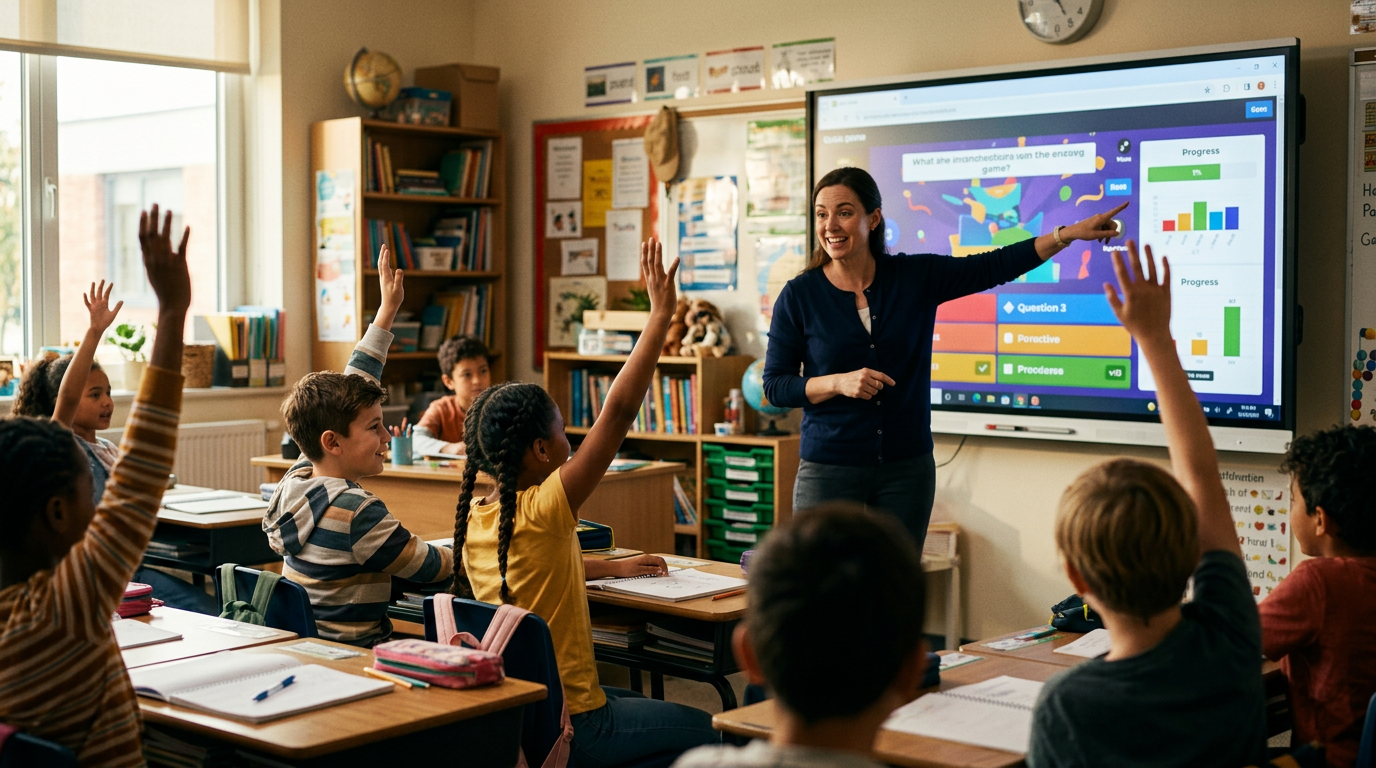
The top classroom games for 2026 have moved far beyond the simple digital flashcards of the past. Today’s modern quiz platforms incorporate elements of strategy, resource management, and even light sabotage. For example, instead of just answering multiple-choice history questions, a correct answer might earn you digital currency to build a tower defense system, or allow you to freeze a classmate’s screen for ten seconds during a math puzzle race. These interactive platforms turn a standard Friday review session into a high-stakes, adrenaline-pumping esports event. Teachers actively encourage these platforms because the underlying engine is constantly feeding them data on which students are mastering the material and which ones need extra help.
This concept of gamified learning is incredibly effective because it helps improve focus and retention while still feeling like a massive reward. When a student is deeply invested in buying a digital upgrade for their avatar, they will happily solve twenty complex algebra equations to get the necessary points. The competitive nature of these games forces students to recall information quickly and accurately. For the student, it feels like a break from traditional lectures; for the teacher, it is a highly efficient pedagogical tool. It is the ultimate win-win scenario for classroom downtime.
4. Best Offline Games to Play at School
Sometimes, the firewall is not the problem—the internet itself is. Whether the school network crashes under the weight of state testing or you are in a classroom located in a Wi-Fi dead zone, losing your connection does not mean you have to resort to staring at the wall. Knowing the best offline games to play at school is a crucial survival skill for any student facing a digitally disconnected free period.
The most famous offline game is, without a doubt, the classic Chrome Dinosaur game. Built directly into the Google Chrome browser, this endless runner features a pixelated T-Rex jumping over cacti and dodging pterodactyls. Most students know it appears automatically when the internet drops, but you can actually trigger it anytime by typing chrome://dino into your address bar and hitting enter. It is incredibly simple, surprisingly addictive, and requires absolutely zero internet connection to track your high scores. It has become a rite of passage for students to see who can reach the highest speed before the teacher calls for attention.
If you want more variety than a jumping dinosaur, the key is preparation. You can safely pre-download lightweight games or browser extensions at home for offline play in class. Many classic puzzle games, such as 2048, Solitaire, or Sudoku, are available as simple Chrome extensions that cache their data locally. By installing these on your personal profile while connected to your home network, they remain fully functional even when your Chromebook is completely offline at school. Just be sure to stick to reputable extensions from the official web store to avoid accidentally downloading malware or violating your school’s device policies.
5. Classic Pen-and-Paper Games for Classroom Downtime
Long before Chromebooks and smartboards dominated the educational landscape, students were mastering the art of analog entertainment. When screens are strictly forbidden, or your battery has completely died, classic pen-and-paper games are the perfect solution for classroom downtime. These games require zero screen time, no internet connection, and leave no digital footprint for IT administrators to track. All you need is a piece of scrap paper, a pencil, and a willing opponent sitting at the desk next to you.
While standard Tic-Tac-Toe gets boring after three rounds, modern variations and other classic rulesets offer deep strategic gameplay. Take “Dots and Boxes,” for example. By drawing a grid of dots and taking turns connecting them with single lines, players try to complete squares to claim territory. It starts simple but quickly evolves into a complex game of spatial reasoning and trap-setting. Another great option is SOS, where players take turns writing either an ‘S’ or an ‘O’ in a grid, trying to create the sequence S-O-S horizontally, vertically, or diagonally. For a real brain-burner, try “Ultimate Tic-Tac-Toe,” which features a giant grid where each of the nine squares contains a smaller, miniature game of Tic-Tac-Toe. Where you play in the small grid dictates where your opponent must play in the large grid, creating a fascinating layer of strategy.
Teachers often prefer these quiet, creative games during free periods over digital alternatives. Pen-and-paper games encourage face-to-face interaction, develop strategic thinking, and, most importantly, they are completely silent. They do not emit sudden loud noises, they do not require students to stare blankly at glowing screens, and they look remarkably similar to actual studying from a distance. A notebook filled with intricate game grids shows a level of analog creativity that many educators quietly appreciate, making it the safest bet for passing the time without drawing negative attention.
6. Tips for Playing Responsibly and Avoiding Trouble
Having a massive arsenal of games at your disposal is fantastic, but it is entirely useless if your device gets confiscated on the first day. Playing games at school requires a strong sense of responsibility and situational awareness. The very first step is understanding your school’s acceptable use policy for technology and Chromebooks. Every district has different rules; some are incredibly lenient during lunch hours, while others maintain a strict zero-tolerance policy for non-academic use at all times. Knowing where the line is drawn helps you avoid crossing it.
The importance of only playing games during designated breaks, lunch, or study hall cannot be overstated. Trying to sneak in a quick multiplayer match while your teacher is actively lecturing is not only disrespectful, but it is also the fastest way to lose your device privileges for the rest of the semester. Save the gaming for those genuine moments of downtime when your assignments are completed, and the teacher has explicitly given the class free time.
Finally, always practice good digital etiquette to avoid distracting other students. The golden rule of school gaming is to keep the volume completely muted. Nothing gives you away faster than the sudden, blaring 8-bit soundtrack of a browser game echoing through a silent library. If your school allows them, use headphones. Furthermore, keep your screen brightness at a reasonable level and avoid frantic, loud clicking on your mouse or trackpad. By keeping a low profile and respecting the learning environment, you can enjoy your downtime without causing a disruption or getting yourself into trouble.
Conclusion
Surviving a long school day requires a delicate balance of hard work and well-deserved mental breaks. From unblocked browser hits that bypass strict firewalls and educational quizzes that turn learning into an esports arena, to offline dinosaur runs and strategic pen-and-paper classics, there are plenty of safe and entertaining ways to pass the time at school without breaking the rules. The key is knowing which games fit your current situation and always playing responsibly during appropriate downtime.
Bookmark this page for your next study break so you are never caught staring blankly at the clock again, and be sure to share your favorite unblocked games with your classmates to get those multiplayer lobbies rolling!